Change or rekey · Toronto
Smart Lock Installation
Half the evenings someone asks whether the back door got locked, and nobody is sure. A lock that relocks on its own, shows its state in an app and reports when it was last opened would settle the question.
Smart Lock Installation
In plain words
Our winters shape how a smart lock should be fitted. Cold drains batteries sooner, so the locksmith fits the maker's specified battery type, sets the low-battery alert to reach a checked phone, and shows how a fresh set goes in with gloves on. Meltwater that refreezes overnight can bind a bolt, so the strike is set to give the motor clearance. A storm door that traps summer heat, or a keypad facing driving snow, steers the choice of model and finish. Fitted this way, a smart lock is set up to perform through the cold months, even though batteries and materials still work harder in deep winter than in June.
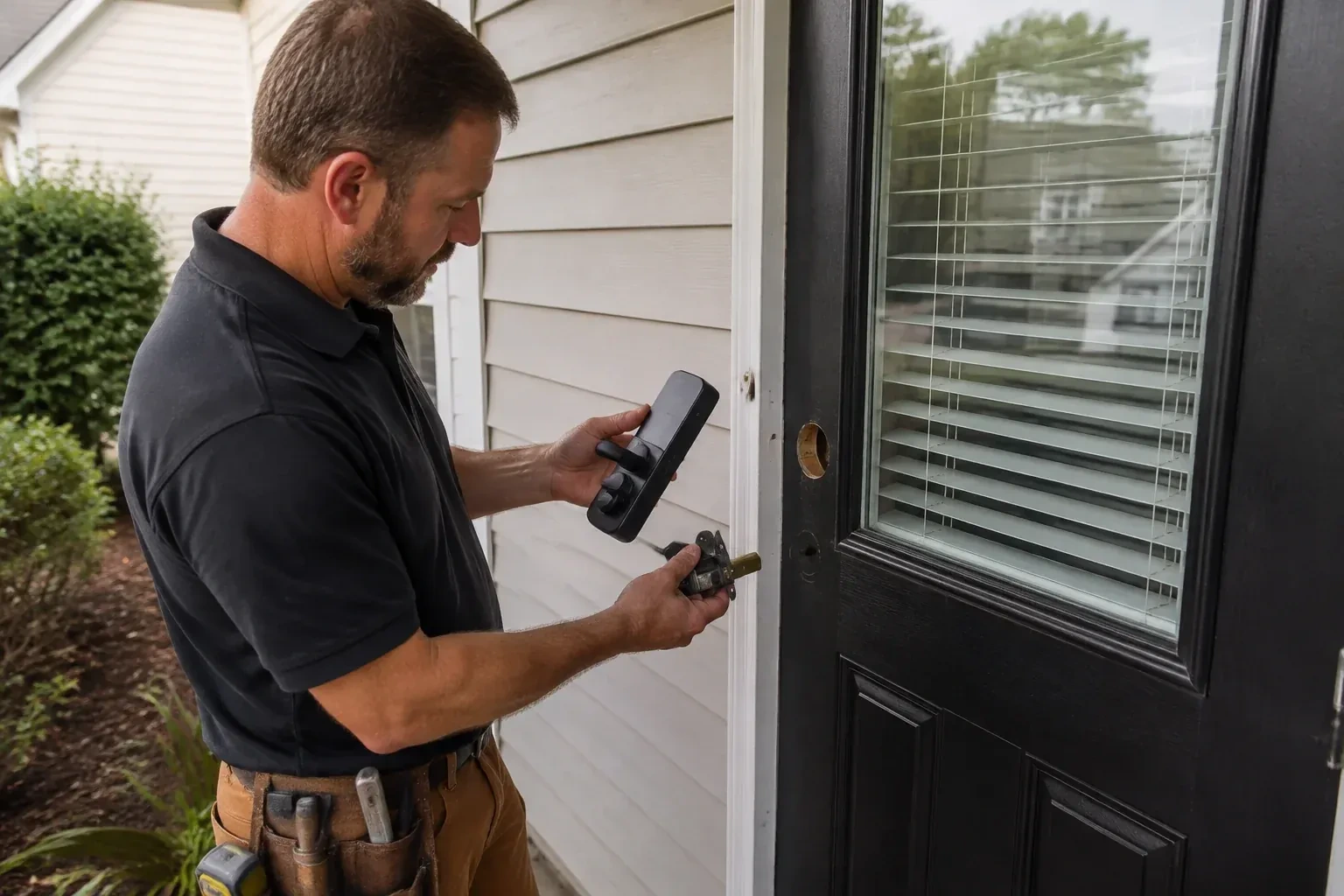
How the visit goesYou have just taken possession of the house and the previous owners handed over a keypad deadbolt with a code nobody wrote down and an app account you cannot get into. It needs to become yours, properly, or be replaced.
Toronto
How the visit goes
Will the bolt travel on its own?
The most important test takes moments and uses no tools. With the door closed and nobody touching it, the locksmith turns the existing thumb-turn with two fingers and feels whether the bolt glides into the strike or has to be forced. A motor has less strength than a hand, so any drag here is drag the smart lock will fight every day until its batteries give out. Hinges that have let the door drop, a strike pocket that is shallow or off-centre, and weatherstrip that pushes the door out of square are the usual culprits, and each is something the locksmith can correct before the new hardware goes on.
Setting it up under your name
Programming happens on your phone, not the technician's. You download the maker's app, create the account with your own email, and the lock is enrolled to it while the locksmith guides each step. Default and factory codes are removed. A personal code is created for each household member, and where the model allows, scheduled or temporary codes for a cleaner, a contractor or a visiting relative. Auto-lock delay, keypad sounds, one-touch locking and notification preferences are set to match how the household answered earlier. If Wi-Fi or a hub is part of the plan, the lock is joined to it and any waiting firmware update is applied before testing. The technician leaves with no codes and no login.
Keeping the lock healthy through the seasons
A smart lock asks for a little seasonal attention and rewards it. In spring and autumn, check that the bolt still glides with the door closed and no hand on it; a door that has swollen or dropped starts to strain the motor before it stops working, and a hinge screw or strike adjustment then is far easier than a call later. Keep the keypad free of ice and grit, wipe salt film off the exterior in winter, and use only a dry lubricant on the override cylinder, never oil. Accept firmware updates when the app offers them. If the lock starts to sound laboured, that is its way of asking for a look.
Smart Lock Installation
In the van
- Smart deadbolt or smart lever set
- Thick-door extension kit
- Adjustable-backset bolt and faceplate
- Reinforced box strike with long screws
- Hinge shims and long hinge screws
What affects the quote
Same fees day, night or weekend
1Number of users and codes to program
Setting up two codes for a couple is different from configuring a household of six plus a cleaner's schedule and a landlord's master. The count of codes and schedules is a fair part of the labour.
2Retrofit versus full replacement
An interior-only unit that turns your existing deadbolt involves less door work than a complete new deadbolt with a keypad outside, and the two are quoted differently in both hardware and time.
3Travel and access to the property
Distance to the address and how easy the door is to reach, such as a condo with a locked lobby or a rural property at the end of a long drive, are part of any call-out.
Smart Lock Installation: questions
Will summer heat behind my storm door damage the lock?
It can stress it, and it is one of the first things the locksmith looks at. A full-glass storm door on a south- or west-facing entrance can push the air between the doors well above what electronics are rated for on a hot afternoon. The usual answers are a storm door with a vent or screen, swapping to the screen panel for summer, or a model whose maker rates it for that exposure. With that handled, the lock is fine.
Will the new lock match my existing door hardware?
Smart locks come in the same finish families as ordinary hardware: satin nickel, matte black, aged bronze, polished brass and chrome. The locksmith matches the finish to your handle set, or swaps the handle at the same time so the door reads as one piece. Where an old finish has weathered to a shade no new part will match, replacing the knob or lever alongside the deadbolt is the tidy answer, and the two are often sold as a matching pair.
What is the difference between a keypad lock, a Bluetooth lock and a Wi-Fi lock?
A keypad lock is operated at the door by code and needs no phone at all. A Bluetooth lock adds phone control when you are within a few metres, which covers most daily use and keeps the lock off the internet. A Wi-Fi lock, either built in or through a small bridge, lets you check and change the lock from anywhere and sends alerts, at the cost of more battery use and a dependence on the home network. Many models combine two of these.
Change or Rekey Locks
- Deadbolt InstallationThe back door has a deadbolt in name only: a short bolt, a thin brass strike held by two little…
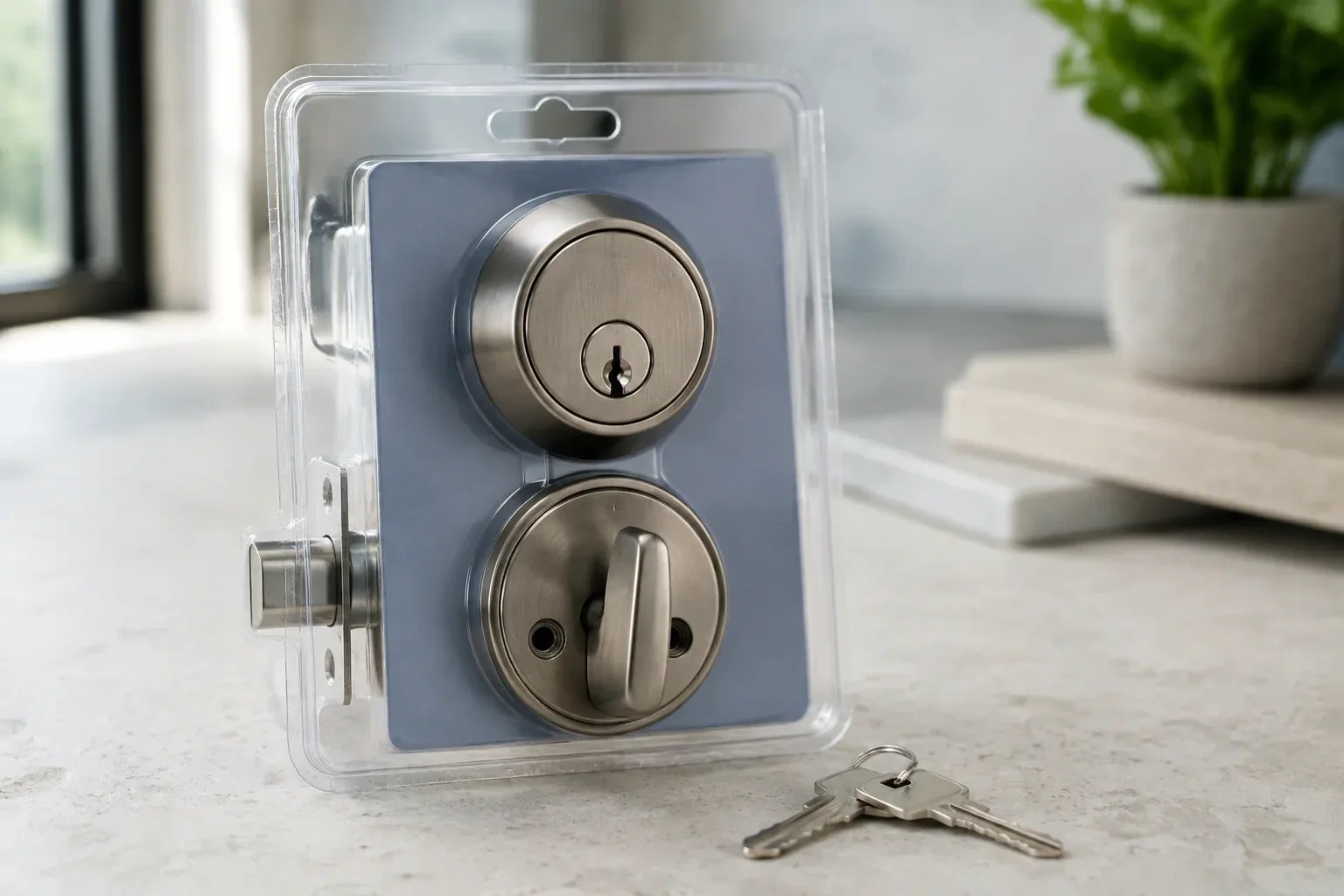
- Lock Replacement & UpgradeEvery morning the front door key needs the same little dance: push in, lift, wiggle, turn.
- Vintage Mortise Lock ServiceSomeone painted the door years ago without removing the hardware.
Smart Lock Installation near you
Choose a service to see how it works in Toronto. Each page explains the situation it suits, what the locksmith looks at first, how the job is done, and how to look after the hardware afterwards. If your problem sits between two services, either page will get you to the right conversation.